Written by: Jin Fujisaki / Published: 2026-01-14
Have you ever assumed that an ordinary PC mouse
"has a fixed shape"?
Symmetrical left and right, with edges,
a click here, a scroll wheel there.
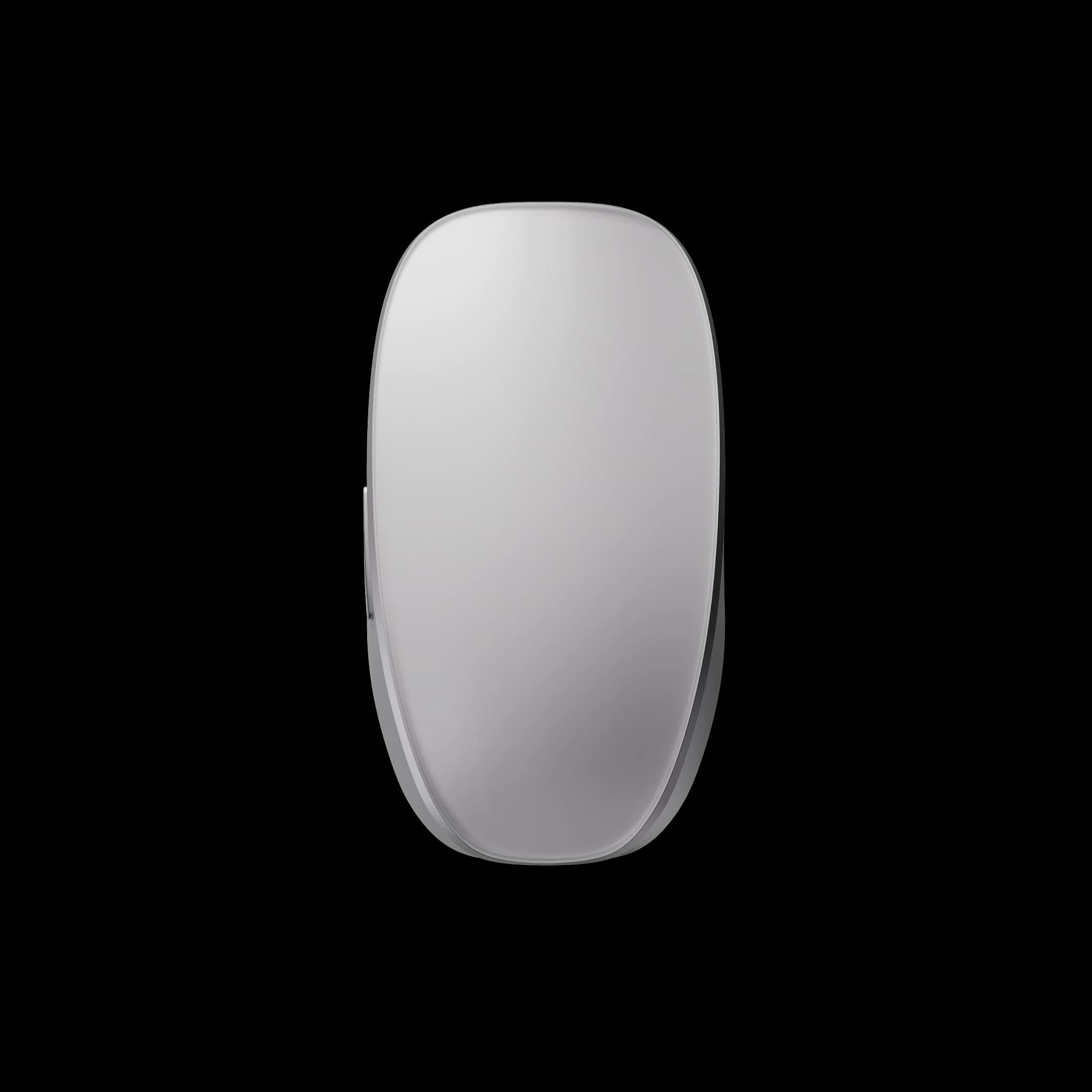
Melt Mouse is a PC mouse that dissolves that very premise.
And not just the mouse itself.
Pointer control, gestures, and numeric keypad input — all three functions
melt together into a single device.
- | What is Melt Mouse?
- | Why this shape?
- | A new input experience you feel through touch
- | Tips for getting the most out of it
- ① Speed up your work with gestures
- ② Assign shortcuts to the numeric keypad
- ③ Customize the haptic feel
- Who it's for
- | Summary|Melting boundaries to connect hand and screen
- | Related links
| What is Melt Mouse?
image DiverX
Melt Mouse is
an integrated input device that combines
the conventional mouse, trackpad, and numeric keypad into one.
- Clicks and movement, like a mouse
- Gesture control, like a trackpad
- Number input and shortcuts, like a numeric keypad
Every function is designed
to switch the moment you place your fingers on it.
This flowing operating experience
sets it apart from a mere multifunction mouse.
| Why this shape?

image DiverX
Melt Mouse's defining feature
lies in its very design philosophy of "melting boundaries."
Having a separate pad and mouse,
or a separate numeric keypad,
has always created "hand movements" and "perceptual breaks."
Melt Mouse
eliminates those "boundaries" right at the entry point of the mechanism itself.
- Where you touch
- The pressure of your finger
- The motion of a gesture
All of these are designed
to be completed entirely through finger movement.
This isn't simply feature integration —
it's a philosophy of optimizing the natural flow of the hand itself.
| A new input experience you feel through touch

image DiverX
Melt Mouse has no physical buttons.
The click sensation is entirely reproduced through haptics (tactile feedback).
As a result,
- No clicky clacking sound
- Less impact on your wrist and fingertips
- Scrolling and input become a "flowing operation"
You experience a kind of quiet precision.
In numeric keypad mode,
an LED indicator visually shows you the current input mode.
This isn't mere decoration — it's a UI that ensures usability without you having to think about it.
| Tips for getting the most out of it

image DiverX
Melt Mouse is different
from the old-school mouse that "only moves a pointer."
To get the most out of it, you also need to design how you use it.
① Speed up your work with gestures
Just like a trackpad,
switching between one-, two-, and three-finger gestures
makes window switching, page scrolling, and app switching feel intuitive.
② Assign shortcuts to the numeric keypad
The numeric keypad isn't just for typing numbers —
you can also assign it as shortcut keys.
Whether for photo editing, spreadsheets, or programming,
it offers a way to boost your work efficiency.
③ Customize the haptic feel
The strength of the click sensation
and the notch feel of scrolling
can be freely adjusted in the dedicated app "Melt Studio."
This isn't just a "preference setting" —
it's the very design of an operating feel that fits your body.
Who it's for
Melt Mouse
isn't just a high-spec gadget.
It's a tool that redesigns the quality of operation and experience.
It's especially suited for:
- People who want a consistent flow across diverse operations
- People who have found switching between mouse and numeric keypad cumbersome
- People who want to feel the operation through touch rather than physical buttons
- People who want to reduce hand fatigue during long work sessions
It resonates with people
who value the experiential quality of operation itself, not just performance.
| Summary|Melting boundaries to connect hand and screen

image DiverX
What did you think?
Melt Mouse
isn't just a mouse with a different shape.
Pointer control, gestures, numeric keypad input —
it's a tool that connects layers that were originally separate, right at your fingertips.
The idea of "erasing boundaries"
isn't merely about merging features.
Making the interface between body and screen boundary-less
— that is the true value of Melt Mouse.